Building the best team and the greatest games
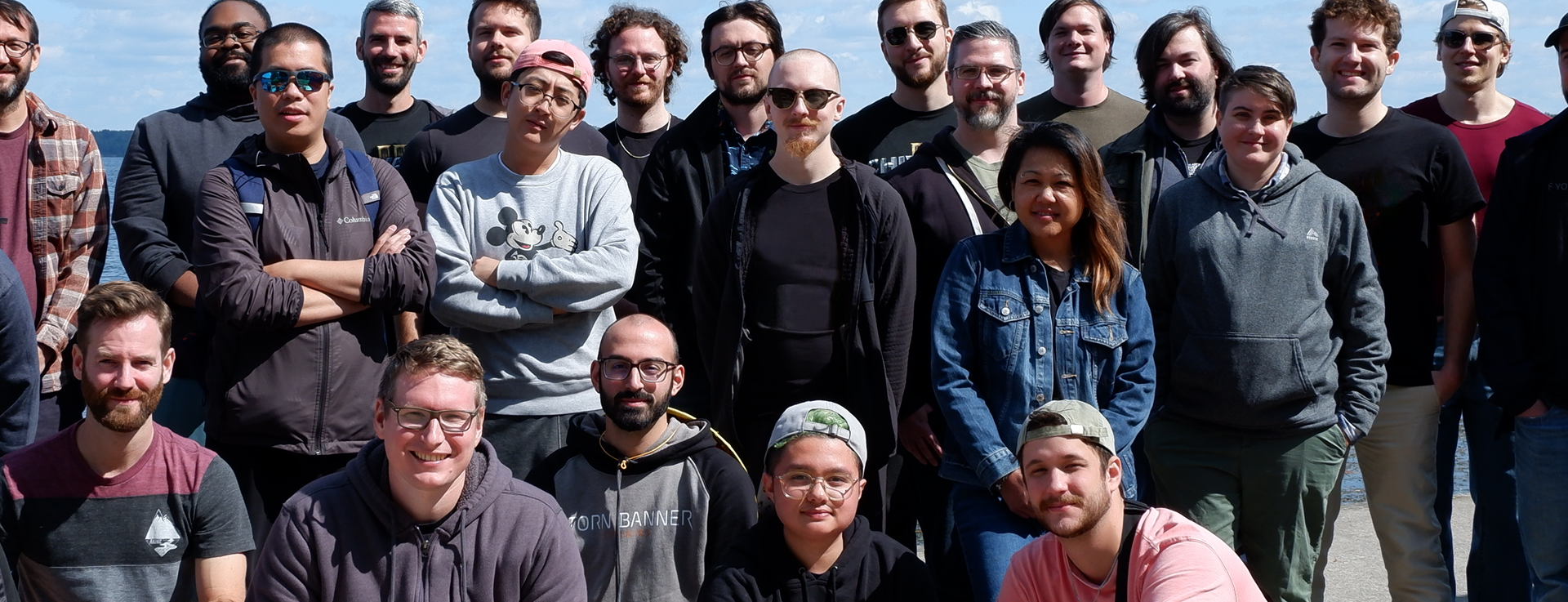
We believe great games come from great people. We aim to realize the potential of the best game artists, designers, developers and creatives, all while tapping the passion and feedback of diehard fans of our games.
We want to take on challenging ideas that - when forged into reality with drive and focus - create truly powerful and unique games that are remembered forever.
Discover open positionsOur story
Torn Banner began with a group of mod enthusiasts who dreamed of creating games that needed to exist, and would stop at nothing to bring the ultimate version of them to market.
2007
Age of Chivalry mod
A team comes together to blend the FPS, Fighting Game & Third Person Action genres and deliver the first multiplayer melee slasher.
2012
Chivalry: Medieval Warfare
Chivalry is released and becomes the best-selling Steam game during the week of Christmas 2012.
2013
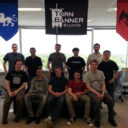
Toronto office opens
The success of Chivalry: Medieval Warfare allows us to open a Toronto office and begin working as a unified team.
2013
Chivalry Deadliest Warrior
The inventive Deadliest Warrior DLC releases, while Chivalry begins to receive ports to PlayStation & Xbox.
2017
Mirage Arcane Warfare
While not a commercial success, from Mirage we learned a great deal about production & managing creative vision within our team.
2021
Chivalry 2
We launched Chivalry 2 which sold 1M within the first 2 months of launch, across PC, Xbox and PlayStation platforms.

2023+
Today
Torn Banner is looking to expand our team while we aim to grow to the scale of our creative potential and shift to multi-project productions.
Our Games
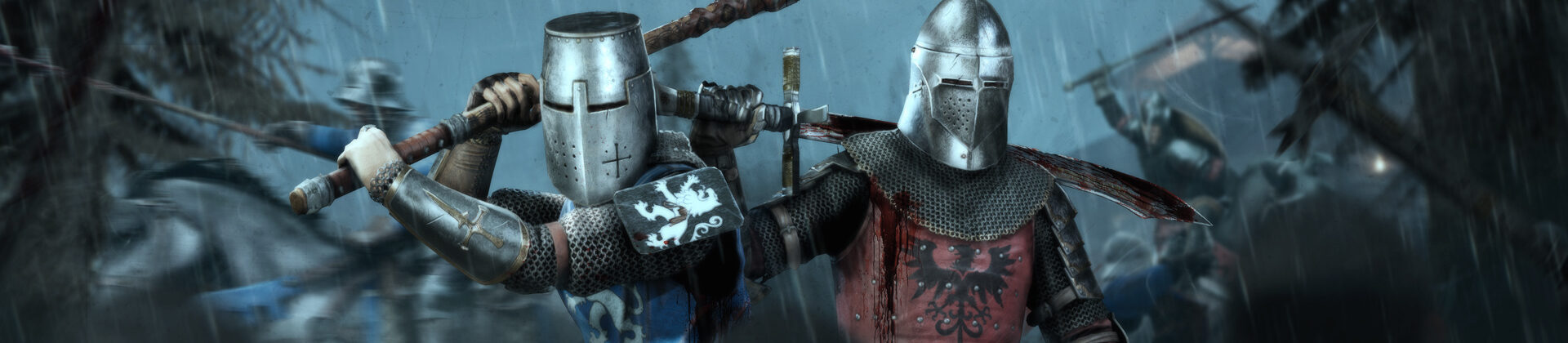
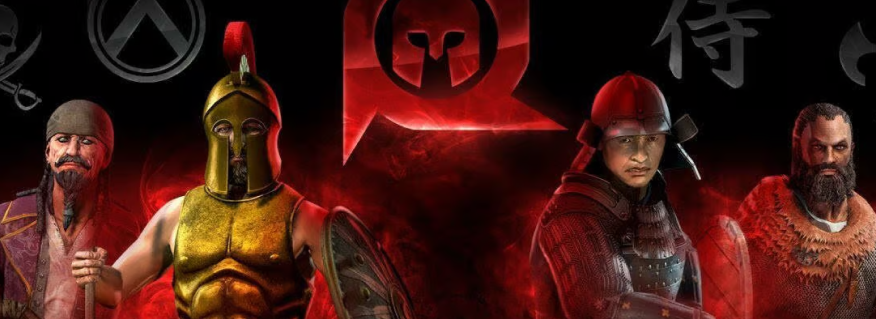

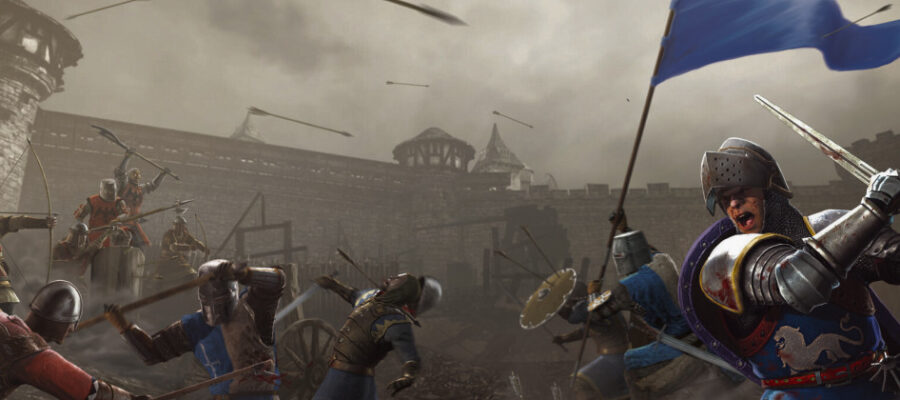
Our Culture
We aim to foster collaborative & flexible environments in which our creativity will thrive in! We look to find ways to cater to and best support our teammates and their particular needs as individuals.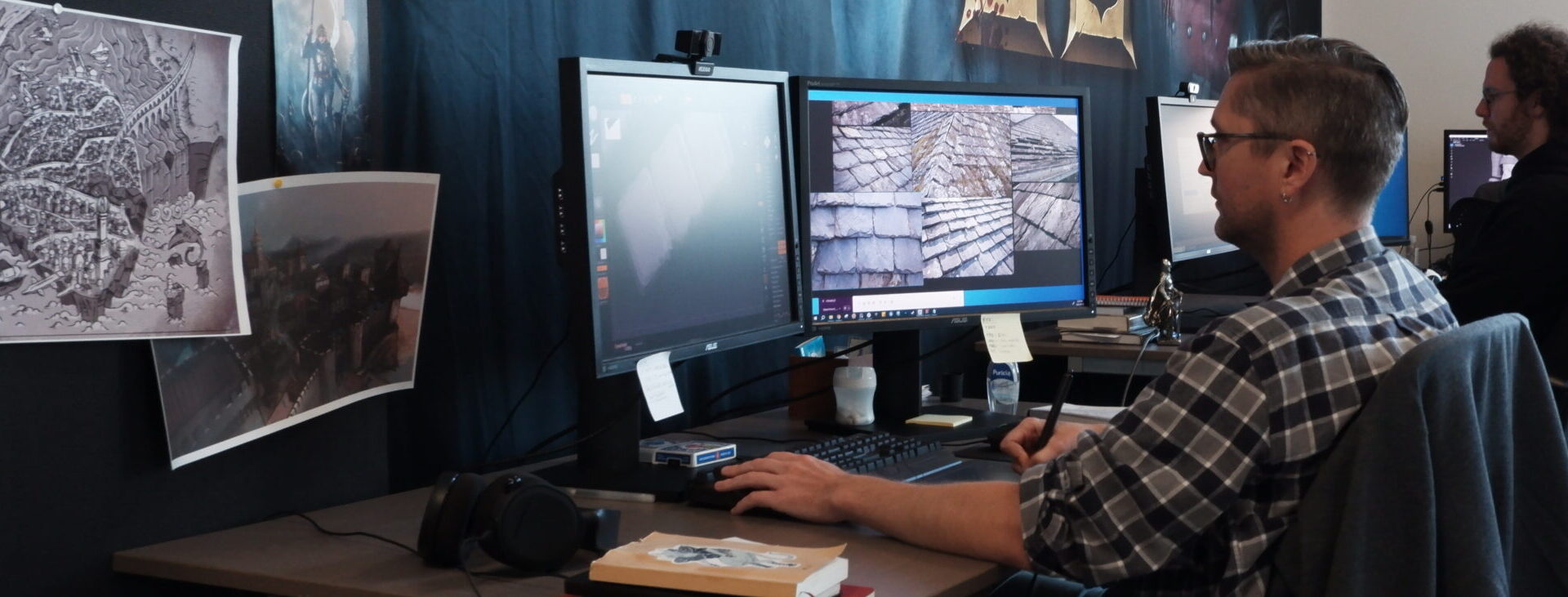
Innovation
Today, we’re continuing to add to the smash hit Chivalry 2 while developing new unannounced projects. We’re looking to grow our team – but stay collaborative, indie and agile. We’re on the hunt for new team members that share a passion for cutting edge gaming and want to help create innovative new experiences that focus on challenge and fun.
Collaboration & Agility
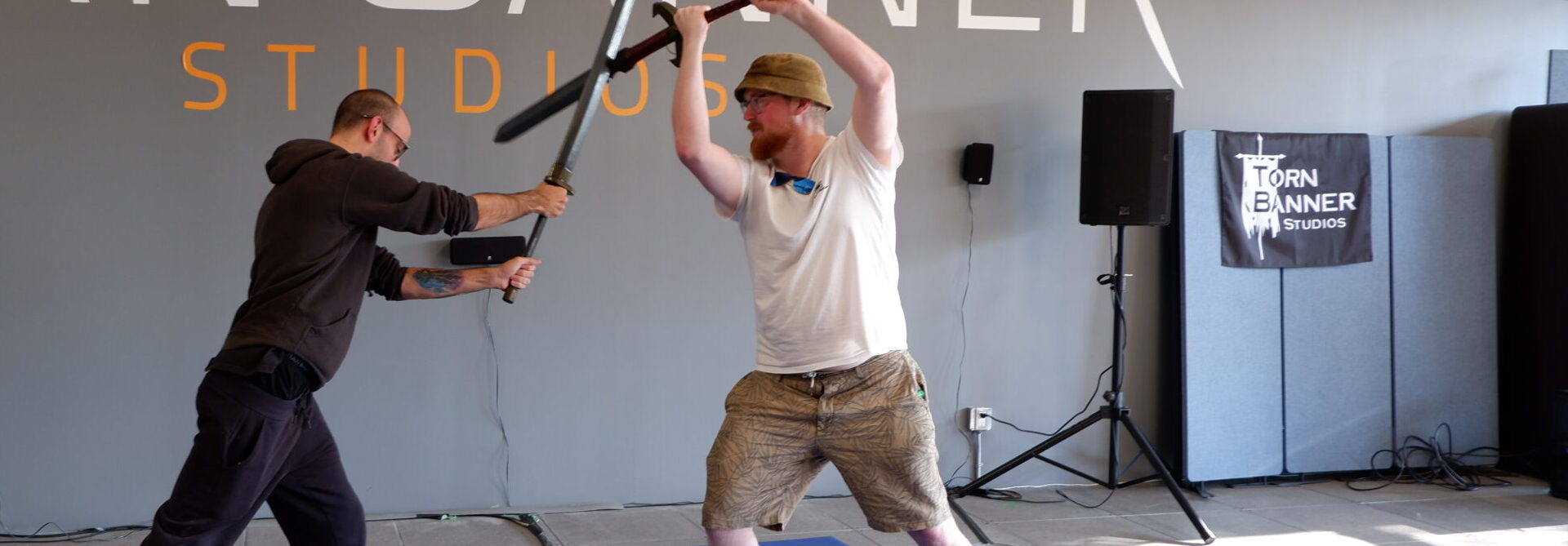
Each individual at Torn Banner has a huge impact on the final product that we put out. We put emphasis on being open with each other, giving/receiving critical feedback, and not letting a false sense of authority cloud our vision. The more eyes and input that we have from different disciplines and personality types, the better our releases will be.
Our HQ
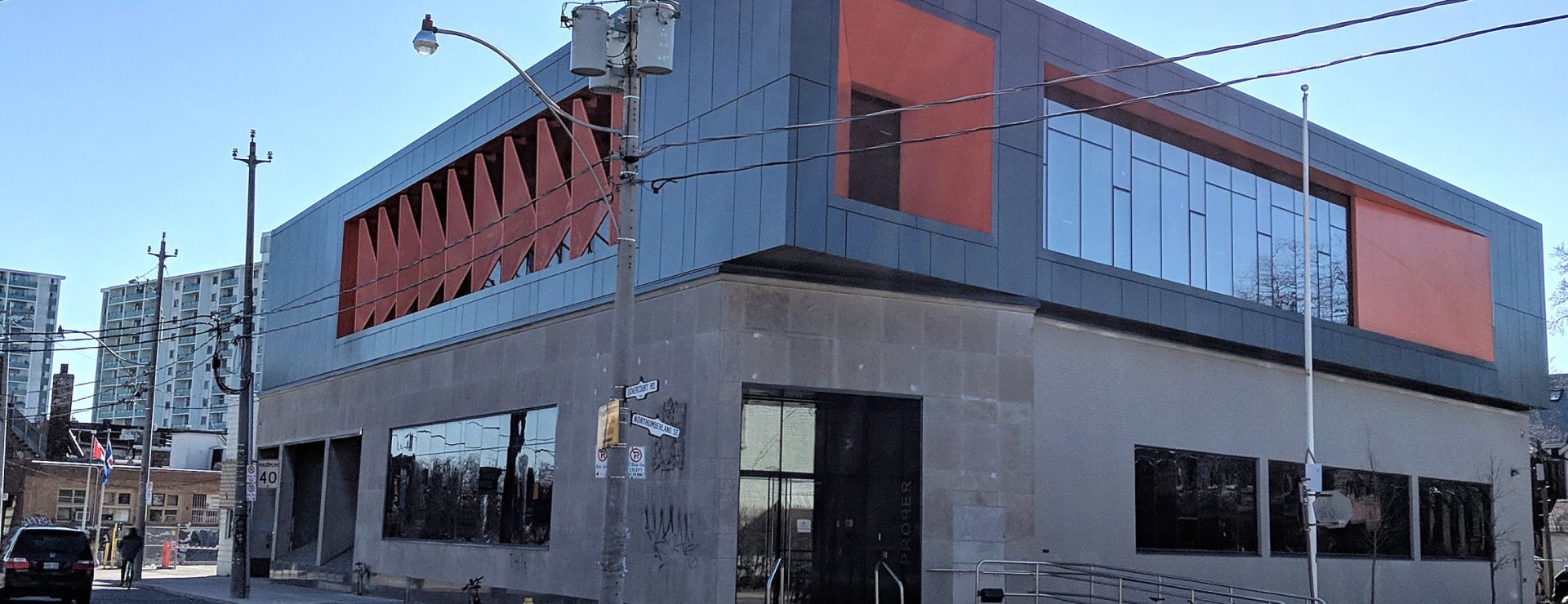
Formerly a Canada Post building erected in 1912, our office is a brand new construction located in the thriving Bloorcourt neighborhood, two minutes’ walk from Ossington subway station.
• Open concept 11,000 sq ft studio
• 17’ ceilings, raised flooring system and abundant natural light
• Private rooftop patio
• Beer fridge & commercial barista machine
Benefits

Relocation assistance
We hire the best – with no boundaries. We offer relocation packages and can also provide guidance for immigration and employment requirements.
Bonus Structure
When our company does well, so do our employees.
Five weeks paid vacation
Three weeks whenever you like, Fridays off in the summer, plus a week in late December.

Company Retreats
We like to keep a close-knit team, so twice a year the whole company gets away for a retreat.
Flexible schedule
Do your best work after a sleep-in? That’s fine. We have shared “core hours” but beyond that, your schedule is up to you.

Monthly learning credit
Want to work on some new skills? That works for us.

Free breakfasts & snacks
Bagels, granola, smoothies, soft drinks… it’s on us!

Happy hour
Every month or more, we grab as much as we can carry from Toronto breweries and local restaurants for a relaxed happy hour.

Healthcare benefits
Full health & dental package for you and your family, plus a Healthcare Spending Account to cover additional benefits.
Open positions
Join our incredible team today! We're various roles to help make the greatest games we can dream of, together.
News
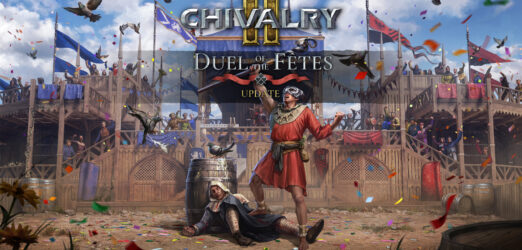
Chivalry 2’s Duel of the Fêtes Update is Out Now!
5th Mar 2024
The Duel of the Fêtes Update (2.10) is now available on all platforms for Chivalry 2! Chivalry 2’s Fête For All Update introduces Unofficial Server Support, Skill-Based Team Balance, Three…
Chivalry 2’s Duel of the Fêtes Update is Out Now! — Read more
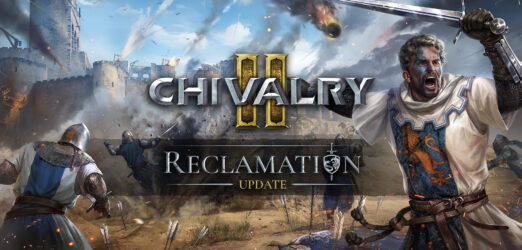
Chivalry 2’s Reclamation Update is Out Now!
7th Nov 2023
The Reclamation Update (2.9) is now available on all platforms for Chivalry 2! Chivalry 2’s Reclamation Update introduces a brand new Team Objective Map – The Reclamation of Montcrux, A…
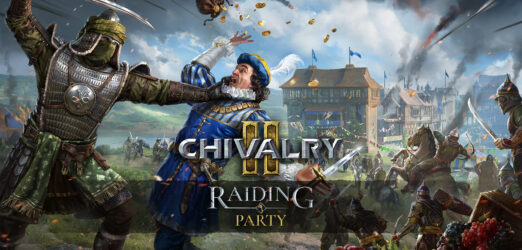
Chivalry 2 Raiding Party Update is Here!
2nd May 2023
Chivalry 2 introduces cross-platform parties beta, a brand new Team Objective Map – The Sacking of Bridgetown, the Heavy Cavalry Sword, a new Campaign Pass – Raiding Party, a new…